Social Service
Social commerce measurement
Define social shopping measures from product interest to store orders, reconcile separate reports and avoid treating tag taps as sales.
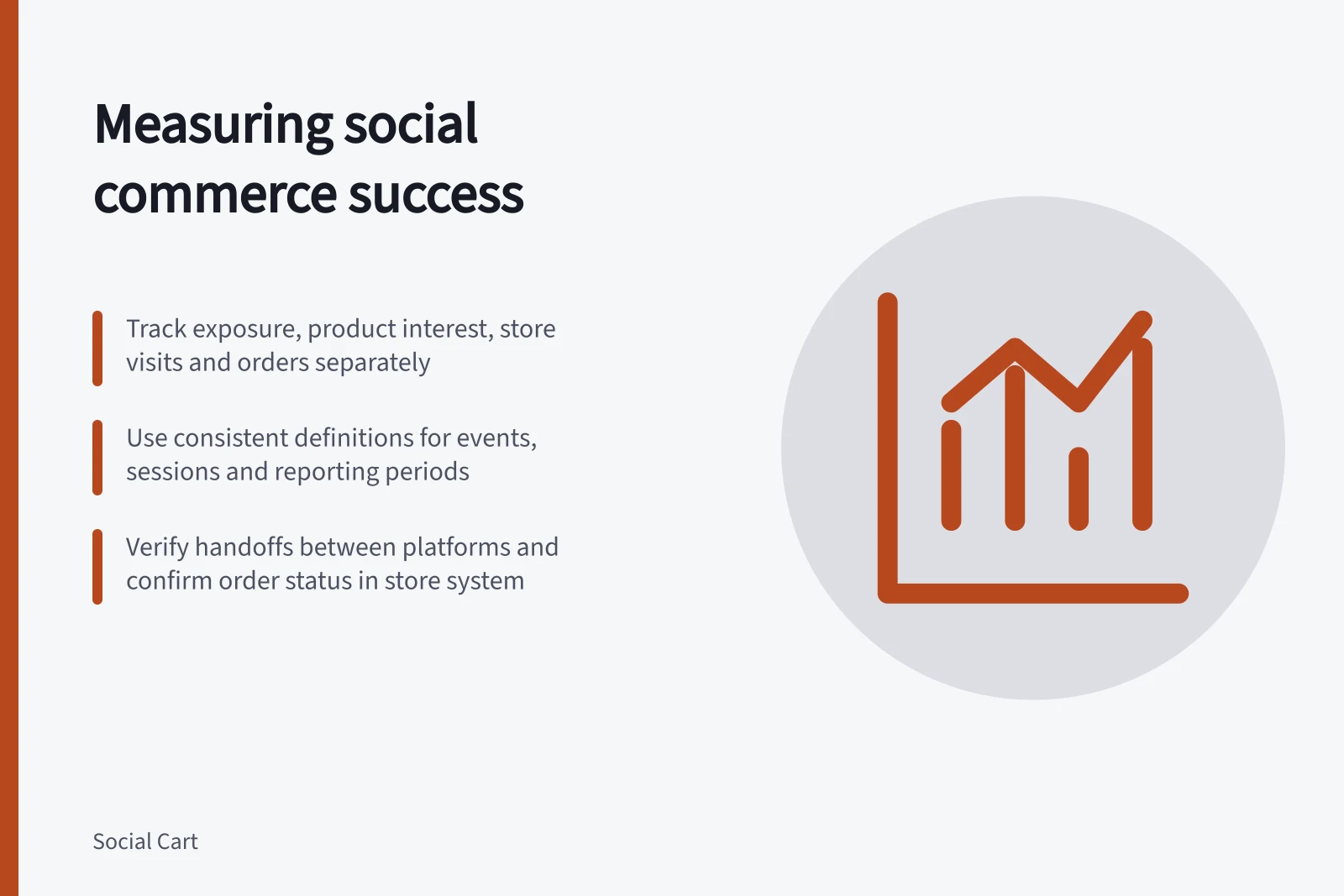
Keep product interest, website activity and store orders separate. Decide each post's purpose before judging results. A product tag tap may show interest; it does not show that someone reached checkout or bought the item.
Pros and Cons of Using Product Tag Taps as a Success Metric
- Pros
- Indicates initial product interest; easy to track across platforms
- Cons
- Does not equate to purchase; may overstate conversion if used alone
Give each measure a purpose
| Stage | Question | Possible evidence |
|---|---|---|
| Exposure | Was the content seen? | A platform reach or view metric, with its definition |
| Product interest | Did people seek more detail? | A defined product action or question |
| Store visit | Did someone reach the retailer’s site? | A measured visit and its recorded source |
| Buying action | What happened on the site? | Configured item-view, cart or checkout events |
| Order | What did the store record? | Orders under a stated status, with later changes visible |
A platform or retailer may be unable to measure some stages. Mark those gaps rather than treating a checkout start as an order.
Key Stages in Social Commerce Measurement
- ExposureWas the content seen?
- Product interestDid people seek more detail?
- Store visitDid someone reach the retailer’s site?
- Buying actionWhat happened on the site?
- OrderWhat did the store record?
Define the figures before comparing them
For each column, record the event, where it was measured, whether it counts actions, sessions, orders or units, and the reporting period.
Keep figures from different systems side by side unless their populations can be joined. A person may tap a tag more than once, visit by another route and buy later. Dividing store orders by platform tag taps does not establish a tag-click conversion rate.
A website purchase-session rate needs eligible entry sessions and sessions containing a recorded purchase, measured under a consistent rule. Check those purchase events against store orders before describing the result as completed sales.
When a report calls an outcome a conversion, check the system's definition before comparing it with another system. Shopify's marketing reports use conversion to mean an online store visitor becoming a paying customer; a platform action or recorded website event alone does not meet that definition.
Pre-Reporting Checklist for Social Commerce Data
- Define event type (action, session, order, unit)
- Confirm reporting period consistency
- Verify purchase events match store orders
- Check attribution model (first vs last interaction)
- Account for stockouts, price changes, tracking updates
Check the handoffs between systems
For website links the retailer controls, record the campaign details used for reporting. A native product tag may use a different route and reporting method.
In Shopify's documented Instagram Shopping integration, eligible tagged products can lead shoppers to the retailer's online store to purchase. That does not establish tag-level order attribution for a particular account.
Use the store's order system to define the commercial outcome. An order placed, paid and retained after refunds represents three different views. Shopify's marketing reports summarise information from all Online Store channel orders. Keep the attribution view and order status beside any sales figure.
Product-tag coverage also has eligibility limits. Shopify says Instagram Shopping availability depends on the supported country or region and product requirements, and a product must be available in both the Meta catalogue and Shopify online store to be tagged. Treat an absent tag or tagged-product result as a possible coverage gap, not automatically as lack of shopper interest.
The product details shown through a tag are tied to the Shopify listing: Shopify says its description cannot differ from the Instagram version, and changes must be made to the Shopify listing and published. If a displayed price looks wrong, Shopify advises checking the Shopify price and compare-at price, as well as sale dates in Meta Commerce Manager.
Interpret referrers and conversions in context
Shopify uses “referrer” for the method a customer used to reach the store. Examples include a search or a link from an advertisement, email or website. A referrer label identifies a route to the store; it does not by itself describe every earlier interaction that influenced an order.
Shopify distinguishes first interaction from last interaction. First interaction is the referrer that introduced the customer to the store, while last interaction is the referrer used just before the order. These labels answer different attribution questions, so a first-interaction result and a last-interaction result should not be presented as interchangeable counts.
A customer can visit several times and arrive through different referrers before ordering. The selected attribution view determines which interaction receives credit in the report; it does not establish that the credited interaction was the only influence on the purchase. Keep that interpretation alongside the reported figure when comparing social activity with store outcomes.
First Interaction vs Last Interaction Attribution in Shopify
- First Interaction
- The referrer that introduced the customer to the store
- Last Interaction
- The referrer used just before the order
Turn the report into a decision
For a chosen product or content group and period, show platform actions, measured site visits, configured ecommerce events and store orders in separate columns. Note paid distribution, stockouts, price changes and tracking changes. If two adjacent stages move differently, inspect the route and measurement setup before assigning a cause.
A useful review states what changed, which evidence supports it and what remains unknown. It can justify maintaining the content, checking a handoff or investigating the offer without claiming that a dashboard proves why shoppers acted.
Social Commerce Measurement Best Practices for Australian Retailers
- Platform actions
- Track product tag taps, likes, shares
- Site visits
- Measure via UTM-tagged links or Google Analytics
- Ecommerce events
- Configure item-view, cart, checkout in Shopify
- Store orders
- Use Shopify’s order system with status tracking
In this guide
- Product tag clicks versus completed ordersLearn what product tag actions and store orders each count, when a rate is valid and how to report a gap without calling clicks sales.
- Tracking social shopping visits through checkoutPlan campaign tagging, GA4 ecommerce events and checkout continuity, then verify recorded purchases against store orders.
- Comparing discovery content with direct product promotionsCompare discovery posts and direct promotions by their intended jobs, measured signals and store orders while keeping attribution limits clear.