Shoppable Catalogues
Part of Social commerce measurement
Tracking social shopping visits through checkout
Plan campaign tagging, GA4 ecommerce events and checkout continuity, then verify recorded purchases against store orders.
Measure a visit at the retailer’s website entry, record its configured GA4 ecommerce events through checkout, then reconcile the purchase event with the store order. Keep platform-reported clicks separate from website sessions: a native product-tag action may open an in-app view and may not map to a site session. Treat a checkout domain the retailer cannot tag or configure as a measurement gap.
Identify the website entry
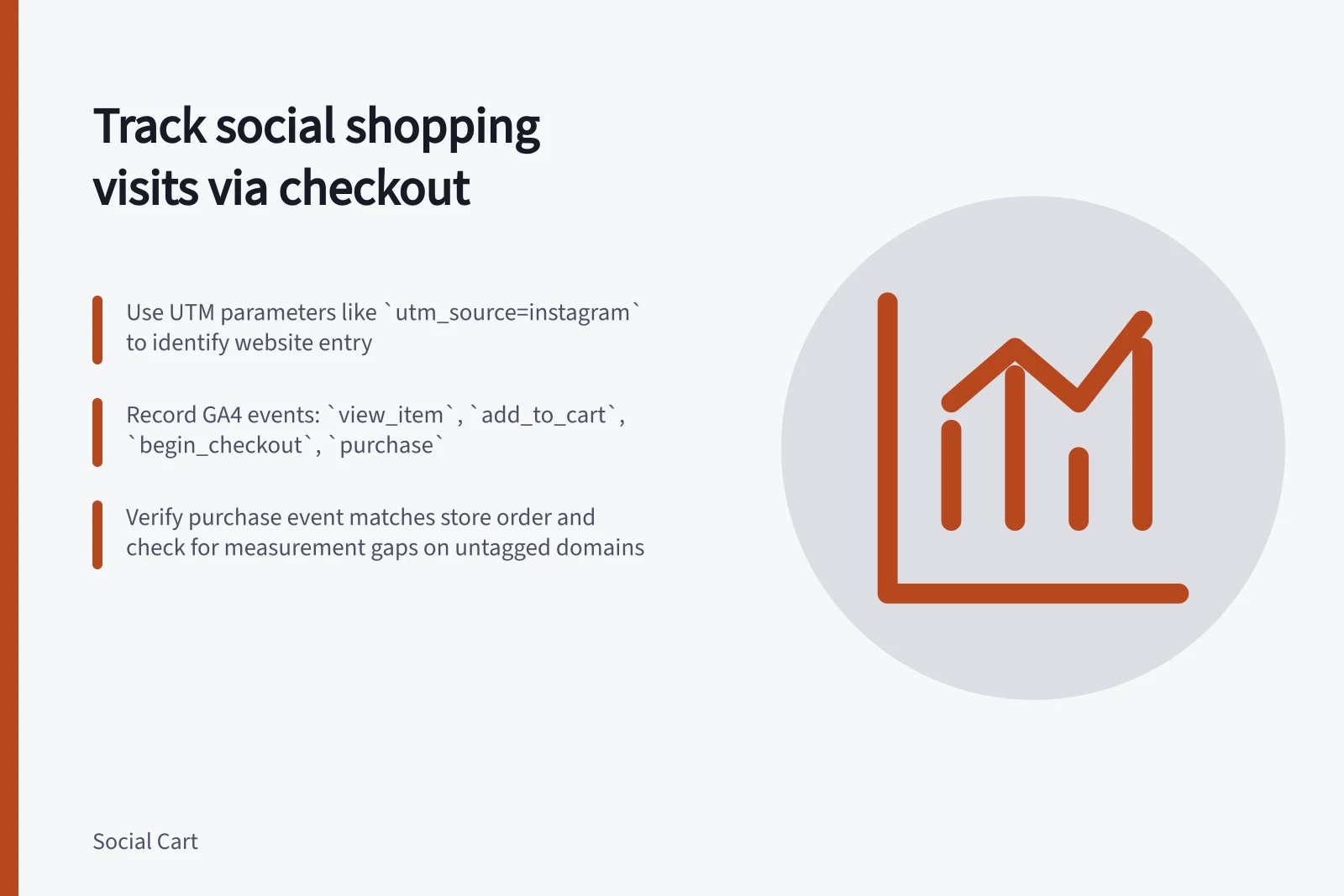
For links to pages the retailer controls, use consistent UTM campaign parameters and check that the tagged URL reaches the expected landing page. The parameters identify source, medium, campaign, content and, when relevant, term. Google Analytics Help’s “URL builders: Collect campaign data with custom URLs” covers campaign tagging.
For example: yoursite.com/landing?utm_source=instagram&utm_medium=social&utm_campaign=summer_sale. Use utm_content to distinguish links within the same campaign, and utm_term for keyword or topic targeting when relevant.
Count platform-reported clicks separately from recorded website sessions. A native product tag may first open an in-app product view; check the merchant account’s destination and reporting options rather than assuming it accepts the same campaign URL as a profile link. Shopify Help Center’s “Instagram Shopping” covers Instagram Shopping.
Record the ecommerce steps
For a site using GA4, specify when to send each relevant event. Google Analytics Help’s “[GA4] Recommended events” names recommended events, and Google for Developers’ “Measure ecommerce” describes ecommerce event timing and item data.
view_itemwhen item details are viewed.add_to_cartwhen an item is added to the cart.begin_checkoutwhen checkout begins.purchaseafter a completed purchase, with a transaction ID and relevant items.refundwhen a refund needs to be represented in analytics.
These recommended events require implementation. Keep item identifiers consistent, and include item_id and item_name in item data; send each ecommerce parameter for which data exists, such as price and quantity. When sending event value as revenue, set event-level currency for the transaction currency used in standard reports.
Decide whether each report counts events, sessions, orders, items or units. Check a completed purchase against the store order record; cancellation, payment and refund status belongs in the order system.
GA4 Ecommerce Event Requirements
- Required item identifiers
- item_id, item_name
- Recommended parameters
- price, quantity, currency
- Event value currency
- Set event-level currency for accurate reporting
Check continuity through checkout
List the domains crossed from landing page to confirmation. If checkout uses another root domain and the same GA4 web-stream tag can run on both, configure cross-domain measurement for those domains using Google Analytics Help’s “Set up cross-domain measurement”. Record a gap if the retailer cannot tag or configure a checkout domain.
Check the landing source and event sequence in GA4 DebugView or Realtime across the handoff. A payment return that appears as a new referral, or a rise in direct traffic, calls for investigation rather than an abandonment conclusion; Google Analytics Help’s “[GA4] Understand (direct) / (none) traffic” covers direct traffic.
Verify the setup
Where the merchant has an authorised test route or sandbox, inspect the landing source and event sequence in DebugView or Realtime. For a permitted test purchase, compare the recorded purchase details, items, value and currency with the test order, where those values are sent, and check for duplicate purchase events.
A walk-through that stops at order review can check earlier stages but cannot verify a completed purchase. Record what could not be checked, including checkout domains or payment methods outside the retailer’s control.
Report measured entry sessions and configured website events for the same period and attribution rule. Show native tag actions separately when they cannot be joined to website sessions.