Platform Selection
Part of Social commerce platform selection
Checking merchant eligibility before implementation
Check business assets, account access, market and product requirements for the exact social shopping feature before implementation.
Before assigning work to a native shop or product tags, check eligibility for the exact social shopping feature. Verify the business assets, selling market, channel and representative products. A store setup check does not mean an account or item has been approved for display.
Name the proposed route
Record the feature, the e-commerce connection and the intended customer market. A Facebook shop, Instagram product tag and ad leading directly to the retailer's website use different customer routes. The eligibility record should name the one being proposed.
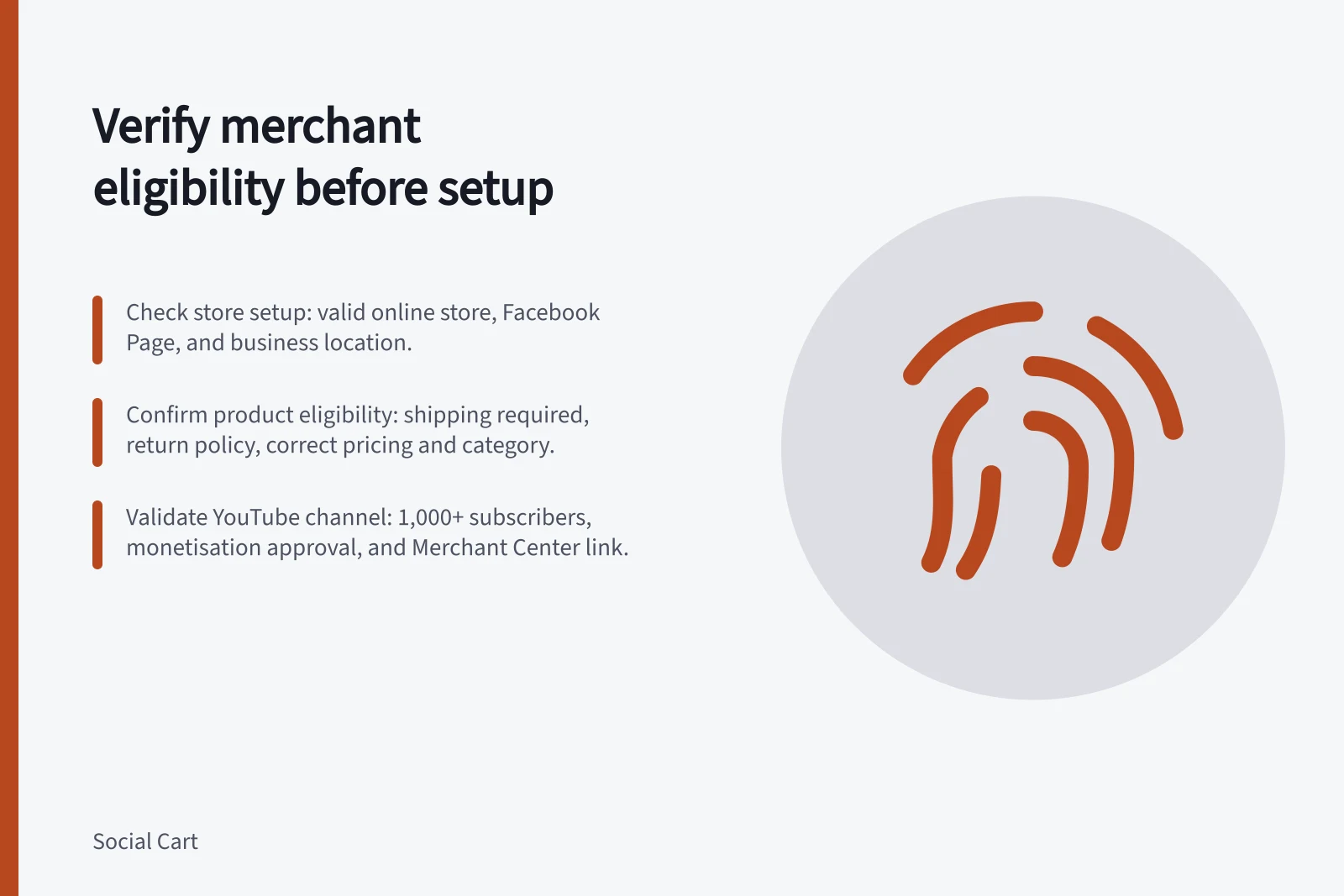
For Shopify's Facebook and Instagram by Meta channel, Shopify lists a non-private online store, a published Facebook Page, a connected business portfolio and appropriate account control.
A shop also depends on Meta's commerce requirements, including products purchasable from a verified domain and a supported business location. Instagram selling needs a professional account associated with the business's Facebook Page. These are documented conditions; they do not establish that a particular Australian account qualifies.
Check product eligibility separately
Choose sample products that expose relevant differences, such as a straightforward physical item, a variant and an item with unusual fulfilment conditions.
For Shopify's documented Facebook product route, a product must require shipping, have a return policy, meet title, description and image specifications, have a Google Product Category, comply with Meta's commerce rules and have a price above zero. A digital product that does not require shipping does not meet that listed route.
Once connected, inspect the product status and any issue reported in the merchant tools. Correct missing information where possible.
A product prohibited by policy, or a market the feature does not support, requires a different decision. A clean store record alone does not establish approval or public display.
Apply a separate YouTube gate
For YouTube Shopping through Shopify's Google & YouTube channel, Shopify lists channel owner or manager access, matching Shopify permissions, at least 1,000 subscribers, monetisation approval and other channel criteria. The store connection also requires a Merchant Center account and customer-facing contact and policy information.
These requirements belong to the documented Shopify route. They must not be assumed to apply to every way of linking a store, and eligibility to upload a video is not YouTube Shopping eligibility.
Decide before building
Record each requirement, evidence seen, owner and outcome: verified, needs correction or unconfirmed. These are working labels, not platform status codes.
A help page establishes the rule; the merchant's account establishes its state. Hold the planned native feature if a required condition cannot be met. After connection and approval, inspect the intended customer-facing display before promising the shopping action.
Pre-implementation eligibility checks for social shopping features
- Verify business assets and account accessNon-private online store, published Facebook Page, connected business portfolio, professional Instagram account linked to Facebook Page
- Confirm selling market and location supportSupported business location in Australia; Meta and Google commerce rules apply
- Ensure Shopify store meets platform-specific conditionsStore connected via Shopify’s Google & YouTube channel, correct permissions, no policy violations