Social Service
Part of Social commerce promotions
Measuring promotional sales after discounts and refunds
Define qualifying orders, account for discounts and later reversals, and report promotional sales without overstating social attribution.
Start with the orders that meet a stated promotion rule. Then report the discounts and later reversals affecting those orders, with dates and order status visible. Code use, an analytics purchase event and retained sales answer different questions.
Define the order group
Choose whether the report covers orders using a code, orders receiving an automatic discount, or orders containing promoted products during the offer period. These groups can overlap.
An order containing the product may not have received the offer; a shared code may be used by someone who did not see the social post. Label each group by its rule, not an assumed social origin.
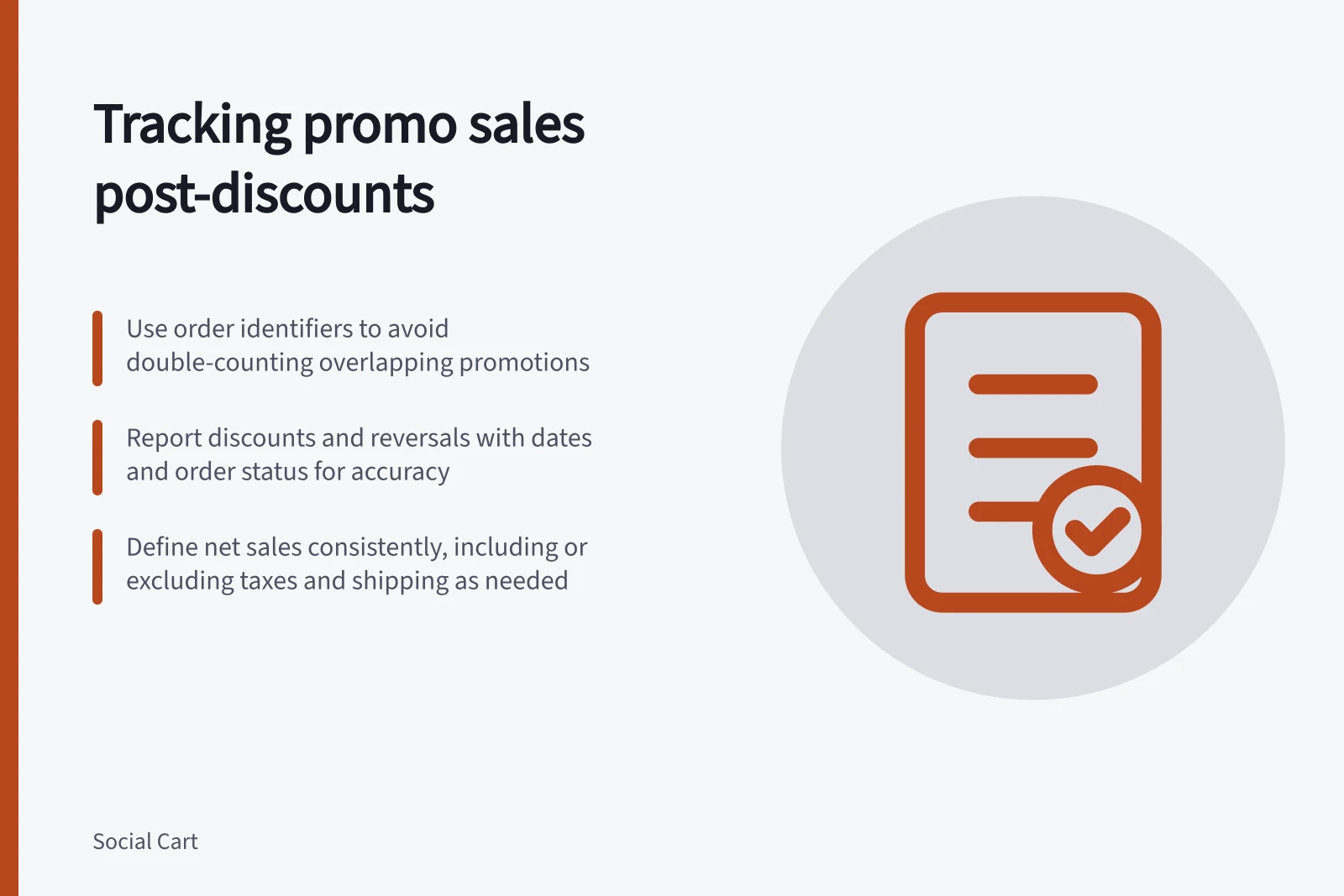
Keep order identifiers, qualifying items, discounts and dates in the working report. If several promotions apply to one order, avoid counting that order twice in a combined total.
For any discount report, check its grouping and metric definitions before combining rows. If the same order appears in multiple rows, deduplicate by order identifier or report the rows separately.
Choose a monetary measure
Choose and name the monetary measure using the retailer's report definitions. State whether it includes discounts, reversals, taxes, shipping and other charges, and keep that definition and the qualifying order group consistent. A product-sales figure should not be compared with a delivered total without naming the difference.
Treat a decrease as a recorded adjustment until you inspect the original order and adjustment; do not describe it as returned merchandise unless records show a return. Sales alone also cannot establish profit: product, fulfilment, payment and campaign costs need separate treatment.
Account for later changes
Show the initial reporting window and an update date. Record the relevant order date and the date each reversal or adjustment is processed, then state how the reporting window treats later changes.
A campaign-date filter may omit an adjustment processed later. An order-linked view can show changes against the original qualifying order if the retailer's systems support it.
Check status as well as value. Do not assume a sales report reflects payment movements or contains only paid, uncancelled orders; verify its rules and reconcile against retailer order and payment records when the decision requires paid orders retained after refunds.
Keep analytics separate
If analytics event data is used, document what it records and how it is configured. Compare transaction IDs with store orders before treating analytics data as the commercial result.
A useful report states the order-group rule, gross product sales, discounts, reversals to date, chosen net measure and the date through which changes were checked. Show social actions and code use separately.