Shoppable Catalogues
Part of Social commerce for Australian retailers
Mapping the path from social post to completed purchase
Map each handoff from a social post to an order, check the item and offer at every stage, and keep route checks separate from analytics.
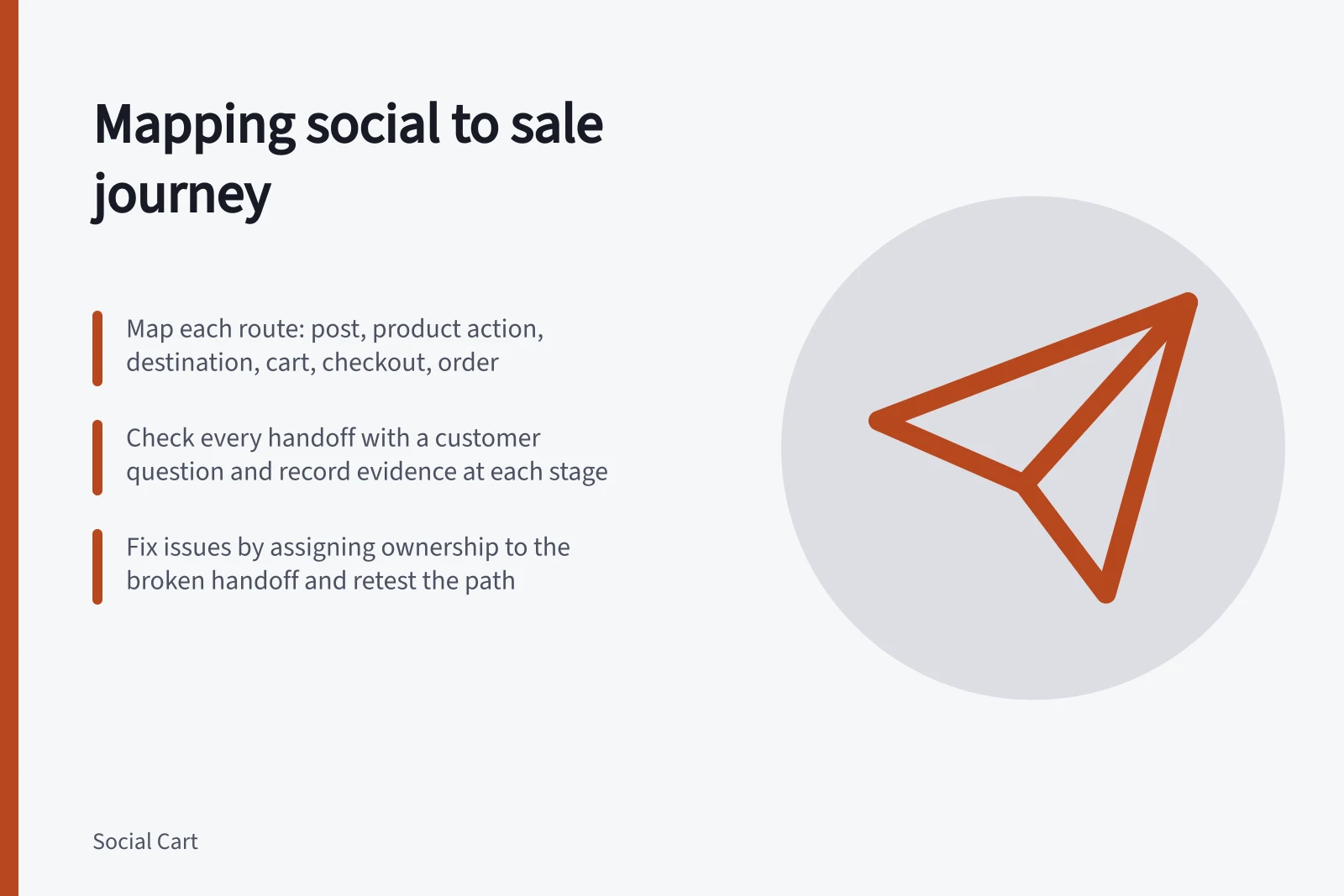
Map the shopping path as a sequence: post, product action, destination, item choice, cart, checkout and confirmed order. Record what the shopper sees at each handoff and where evidence of the next stage would appear. That locates a broken or misleading transition without treating every tap as a purchase.
Draw the route that exists
Begin with one public post and one specific product. A product tag, profile link and paid ad may open different destinations, so map each route separately. On a phone, note the entry point, item or variant shown, tap target and first page or product view that follows. Continue to order review without placing an order.
Observe where checkout occurs in the merchant’s setup. Australian Government ecommerce guidance says social media stores generally redirect customers to an online store for payment.
Mapping the Path from Social Post to Completed Purchase
- PostPublic social media post with product tag, profile link or paid ad
- Product ActionTap on product tag or link; check destination and failed taps
- DestinationLanding page: confirm item, variant, availability and inclusions
- CartCheck if selected item, quantity and price carried forward correctly
- CheckoutReview applicable charges, delivery options and order summary
- OrderConfirm purchase recorded; check for cancellations or refunds
Give every handoff a question
| Stage | Customer question | Record or check |
|---|---|---|
| Post | What item and offer am I seeing? | Asset, date, claimed price and exact variant |
| Product action | What will this tap open? | Tag or link, destination and failed taps |
| Destination | Is this the same item? | Landing product, selected variant, inclusions and availability |
| Cart | Did my choice carry forward? | Item, quantity, price and errors |
| Checkout | What will I pay and how will I receive it? | Applicable charges, delivery choices and order review |
| Order | Was a purchase recorded? | Order record and later cancellation or refund status |
The public route can be checked through order review without placing an order. Confirming the final stage requires the retailer’s actual order records; it cannot be inferred from a working checkout page.
Key Compliance & Performance Metrics for Australian Retailers
- ACCC Guidance on Misleading Claims
- Businesses must back up claims made on social media
- Australian Ecommerce Redirect Practice
- Social media stores typically redirect to online store for payment
- GST & Pricing Transparency
- Price displays must include GST and all fees upfront
- Order Record Accuracy
- Final sales outcome requires checking actual order system
Check the offer at each transition
A working link can still open the wrong item. Compare the post with the destination, cart and order review. Watch for a shown colour or size that changes to a default variant, a bundle that becomes one item, or promotion conditions that appear only at checkout.
For Australian retailers, ACCC guidance covers avoiding claims that are false or misleading and says it can require businesses to back up claims made on social media. Record a mismatch and correct the inaccurate message before sending more people through the route.
Checking the Offer at Each Transition
- Post
- Shown colour, size, bundle or promotion claim
- Destination
- Actual product shown—may differ from post (e.g., default variant)
- Cart
- Item matches post or changed to standard option
- Checkout
- Promotion conditions or additional charges appear only now
Keep route checks separate from analytics
A manual walk-through establishes only what happened on the checked device and route, up to the point reached. It does not show how many customers completed a purchase. For website links, campaign URL parameters can help identify referring campaigns in Google Analytics when applied and collected correctly.
Website ecommerce events can describe item views, cart additions, checkout starts and purchases if implemented. A tap inside a social app is not automatically one of those website events.
Report social product actions, site visits and store orders as separate measures. Use consistent dates, product identifiers and definitions. If a stage is unavailable, mark it unavailable rather than filling the gap by subtracting unlike platform totals. Check later cancellations or refunds in the order system before treating an initial purchase count as a final sales outcome.
Manual Route Checks vs. Analytics
- Pros of Manual Walk-Through
- Confirms what happens on a real device; identifies broken handoffs
- Cons of Manual Walk-Through
- Does not measure conversion rate or total customers completed
- Pros of Analytics
- Tracks volume of traffic, conversions and campaign performance
- Cons of Analytics
- Cannot verify correctness of individual transitions without proper event tracking
Assign the fix to the handoff
For each break, name the handoff and its owner. A wrong landing product points to the shopping route or listing. A missing variant points to selection and handoff. An unexpected checkout charge points to the offer and price communication.
After a correction, repeat the same public route under the same relevant conditions and record what changed. A repaired path shows that the checked route works through the stage reached; it does not prove improved conversion or a completed order.