Social Service
Part of Social commerce programme reviews
Comparing social shop activity with real customer outcomes
Put social shop actions, measured website behaviour and verified store outcomes side by side without treating taps as sales.
Compare social shop activity with customer outcomes across two labelled views of the same period: actions recorded on social surfaces, and results the retailer can verify in its store. Connect them only where the measurement route supports it. Views and product taps provide context, but they are not paid, retained purchases.
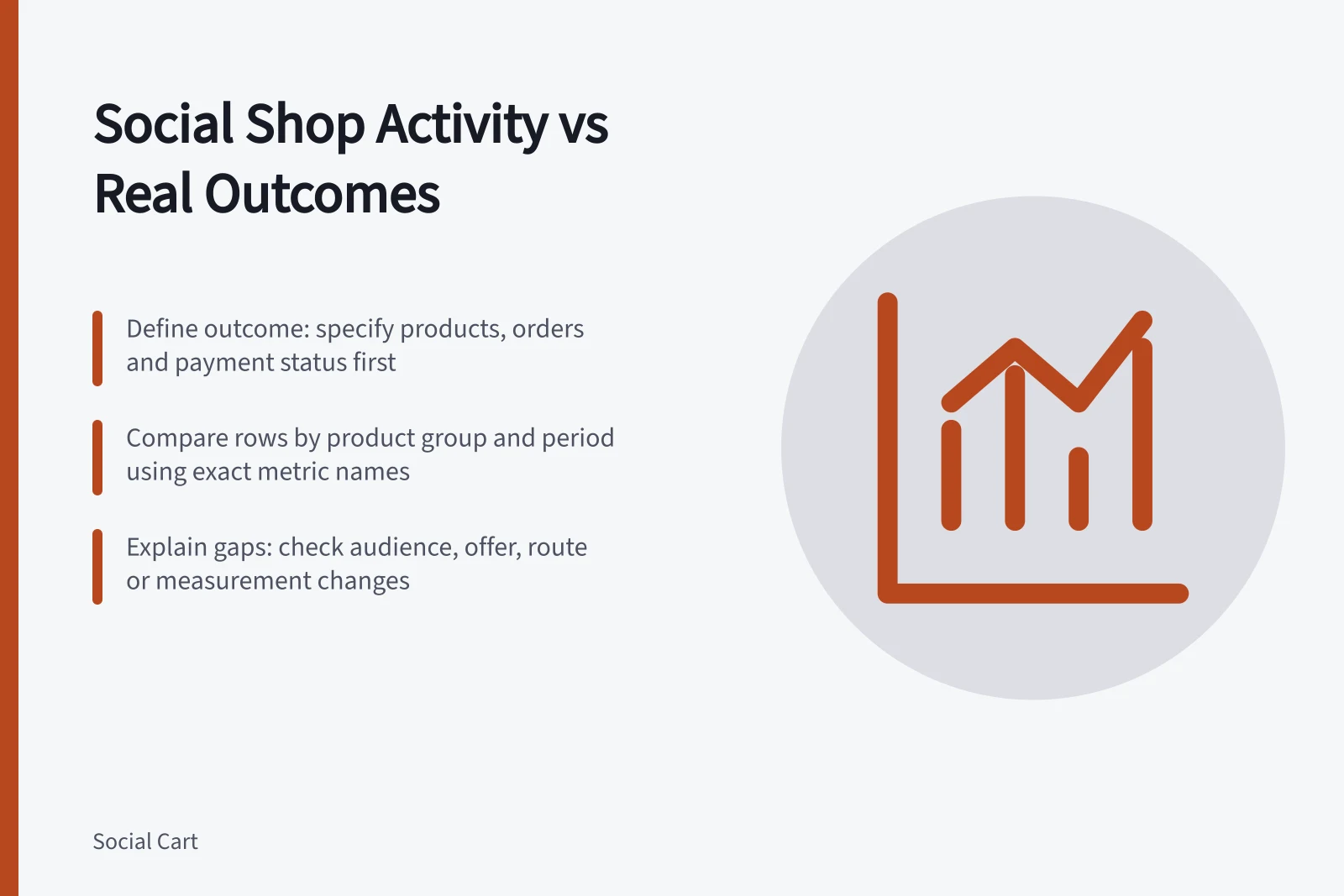
Define the outcome first
Decide what question the comparison must answer. For an order question, specify the featured products, eligible orders and required payment status. For a service question, add relevant product enquiries or support cases from the retailer’s records. Choose the period before reading the activity chart.
Keep “orders placed”, “paid orders” and “orders remaining after later reversals” separate. Reporting tools may define and record these outcomes differently, so use the retailer’s order and payment records for a paid-order decision.
Put comparable rows beside one another
Use one row for each product or coherent product group and period. Record the exact social metric name and whether it counts views, actions or people. Add website measures only where collected. If using GA4, confirm which events are actually collected before interpreting them.
Column / Reading
- Social product actions
- The platform-defined action occurred.
- Website activity
- The site recorded a configured visit or event.
- Store orders
- Orders met the stated product and status rule.
- Later reversals or service issues
- The first outcome view may need an update.
A product action may open an in-app view before any website visit. Do not divide store orders by platform actions and call the result a conversion rate unless the eligible actions and resulting orders can be linked under a stated rule. Campaign parameters on retailer-controlled website links can help identify referring traffic when collected at the destination; they do not identify every native social interaction.
Social Shop Activity vs. Verified Store Outcomes (Australia)
- Social Product Actions
- Platform-defined action occurred (e.g., tap, view)
- Website Activity
- Site-recorded visit or event (e.g., page view, add to cart)
- Store Orders
- Orders meeting product and payment status rules (e.g., paid, non-reversed)
- Later Reversals or Service Issues
- Outcomes adjusted post-purchase (e.g., refunds, cancellations)
Using Campaign Parameters for Attribution in Australia
- ProsHelps identify referral sources when tracked via retailer-controlled links (e.g., Shopify UTM tags)
- ConsDoes not capture native social interactions (e.g., in-app taps) without platform-specific tracking
Explain what the gap permits you to say
If product actions rise while verified orders remain flat, possible questions include whether the audience, offer, route or measurement changed. Check the public destination, availability and event collection before assigning a cause. Record the activity measure, customer outcome, definitions, unresolved handoff and next check.
Where an attribution report is included, name its model and keep attributed credit separate from the underlying store outcome. Different attribution models can allocate credit differently. A change in credited orders under another model does not show that customer orders changed.