Social Service
Social commerce for Australian retailers
A practical starting point for Australian retailers: choose products, check shopping routes, keep offers accurate and read outcomes in sequence.
Social commerce links product discovery on social media to a purchase route. For an Australian retailer, start with a small set of products that can be shown accurately and reached through a working shopping action. A product tag may shorten the route, but check where it sends the shopper and what happens next.
Decide what the channel should do
A social post can introduce a product, answer a buying question or present an offer. A shopping feature adds an action, such as opening a product listing. Payment may then occur on the retailer’s website. The route depends on the channel and merchant setup; appearing in a social catalogue does not prove a customer can complete an order.
Choose one job for the first trial. If shoppers need to see scale or use, show it. If they know the item but struggle to find it, improve the product route. If they need to compare alternatives, help them choose before checkout.
Paid advertising can extend a message’s reach, while the shopping route determines what an interested person can inspect or buy.
Start with a manageable product set
Select items with a clear use, reliable product information and a purchase destination the team can maintain. Check the exact variant shown, what is included, availability and any condition that changes the offer. A post showing a bundle should not open a single-item listing without making that difference clear.
Match the content format to the buying question. A short demonstration may help with size or operation; another item may need specifications on its product page. Use the post to help someone decide, then make the detailed information easy to reach.
Check the setup before promising a feature
For Shopify’s Facebook and Instagram by Meta channel, Facebook and Instagram features share one product catalogue. Shopify also documents product publishing errors and steps to resolve them.
In Shopify’s documented Instagram Shopping route, a shopper can tap a tagged product and continue to the retailer’s online store to purchase. These details apply to that integration; check eligibility and the customer route for the account in use.
Assign an owner to the product record, channel status and public post. When a price, variant or stock position changes, check what customers see on the social surface and at checkout. A successful catalogue sync is useful operational information, but it does not replace checking the public route.
Make the offer accurate across the route
Compare the post, social listing, product page and order review for the same item. The image and description should represent what is sold. Give delivery estimates as estimates and make conditions visible when they affect a buying decision.
The ACCC says businesses should avoid claims that are false or misleading in social media advertising and can require businesses to back up claims they make on social media.
Key statistics and guidance from Australian regulators and platforms
- ACCC stance on misleading claimsBusinesses must substantiate all claims made on social media; false or misleading advertising is enforceable under the Australian Consumer Law
- Required delivery estimatesMust be clearly presented as estimates; conditions affecting delivery time must be visible to shoppers
- Afterpay’s social commerce supportOffers tools and tips for retailers to promote products on social media while maintaining compliant offers
- Google Analytics tracking capabilityCan track content exposure, product actions, website visits, cart activity and completed orders separately
Follow one customer path
- Identify the item and variant shown.
- Open the shopping action and note where it leads.
- Compare the destination’s item, price, inclusions and availability with the post.
- Select the relevant variant and continue to order review without placing an order.
- Record any mismatch, broken step or condition that appeared too late.
Check the route on a phone before launch.
Confirm eligibility before enabling a shop
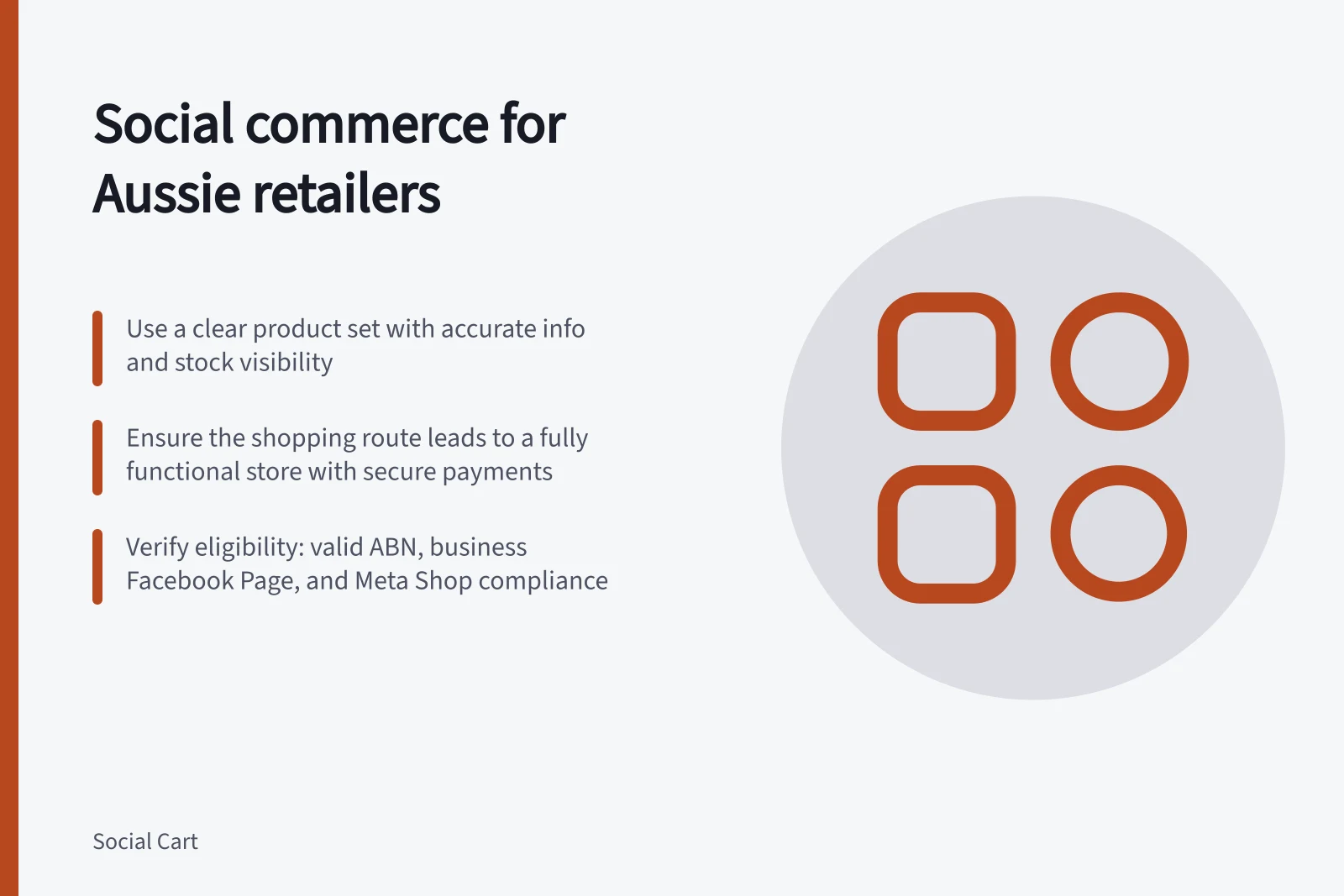
Shopify’s Facebook and Instagram by Meta channel requires a Shopify online store that is not in private mode and a valid sender email address.
For that channel, the retailer also needs a Facebook account and its own published Facebook Page. It needs a business portfolio connected to that Page. The personal Facebook account used for setup must have full control of both the business portfolio and the Page.
Meta’s shop eligibility adds further checks: an Instagram account used for selling must be a professional account associated with the business’s Facebook Page, products must be available for direct purchase from the verified domain, and the business must be in a country supported for Shops. The relevant accounts and products must also comply with Meta’s applicable terms, standards and commerce policies.
Provide a reliable destination
The Australian Government’s business.gov.au guidance describes a typical online store as allowing customers to browse products, add them to a shopping cart, place orders, pay securely and helping the business manage shipping and logistics. Use those functions as a practical check on whether the destination is ready to receive customers from social activity.
Check that the payment methods offered are secure and easy for customers to use, as business.gov.au advises. Consider the broader role of online selling too: it can let customers shop outside regular business hours and make products easier to promote.
Keep social claims supportable
A complaint process should not be mistaken for a way to resolve every customer dispute. The ACCC says it does not resolve individual disputes about misleading claims; retailers need to manage customer issues through their own service processes as well as keeping their public claims accurate.
Read outcomes in sequence
Keep content exposure, product actions, website visits, cart activity and completed orders separate. A view is not a product enquiry, and a product tap is not a sale. Use available website analytics and store orders to review later stages. Define each measure and reporting window before comparing posts, and use store orders to check the commercial outcome.
Fix inaccurate offers and broken routes first. Then review whether the content helps shoppers choose and whether the destination supports that choice. Expand the range when the team can keep product information and purchase paths current.
In this guide
- Social shopping versus social advertisingUnderstand the different jobs of social shopping and paid social advertising, and choose what to fix when reach or the buying route falls short.
- Choosing products suited to social discoveryScreen products for social discovery by decision value, accurate presentation, offer readiness and a working route to the exact item.
- Mapping the path from social post to completed purchaseMap each handoff from a social post to an order, check the item and offer at every stage, and keep route checks separate from analytics.