Shoppable Catalogues
Social storefront experiences
A social storefront should help a shopper find a suitable product, understand the offer and reach a working checkout without guessing where to go next. Treat it as …
A social storefront should let a shopper find a suitable product, understand the offer and reach a working checkout without guessing the next step. Treat it as a small shop window with its own navigation and upkeep, not a mirror of the full online catalogue.
Start with the shopper's task
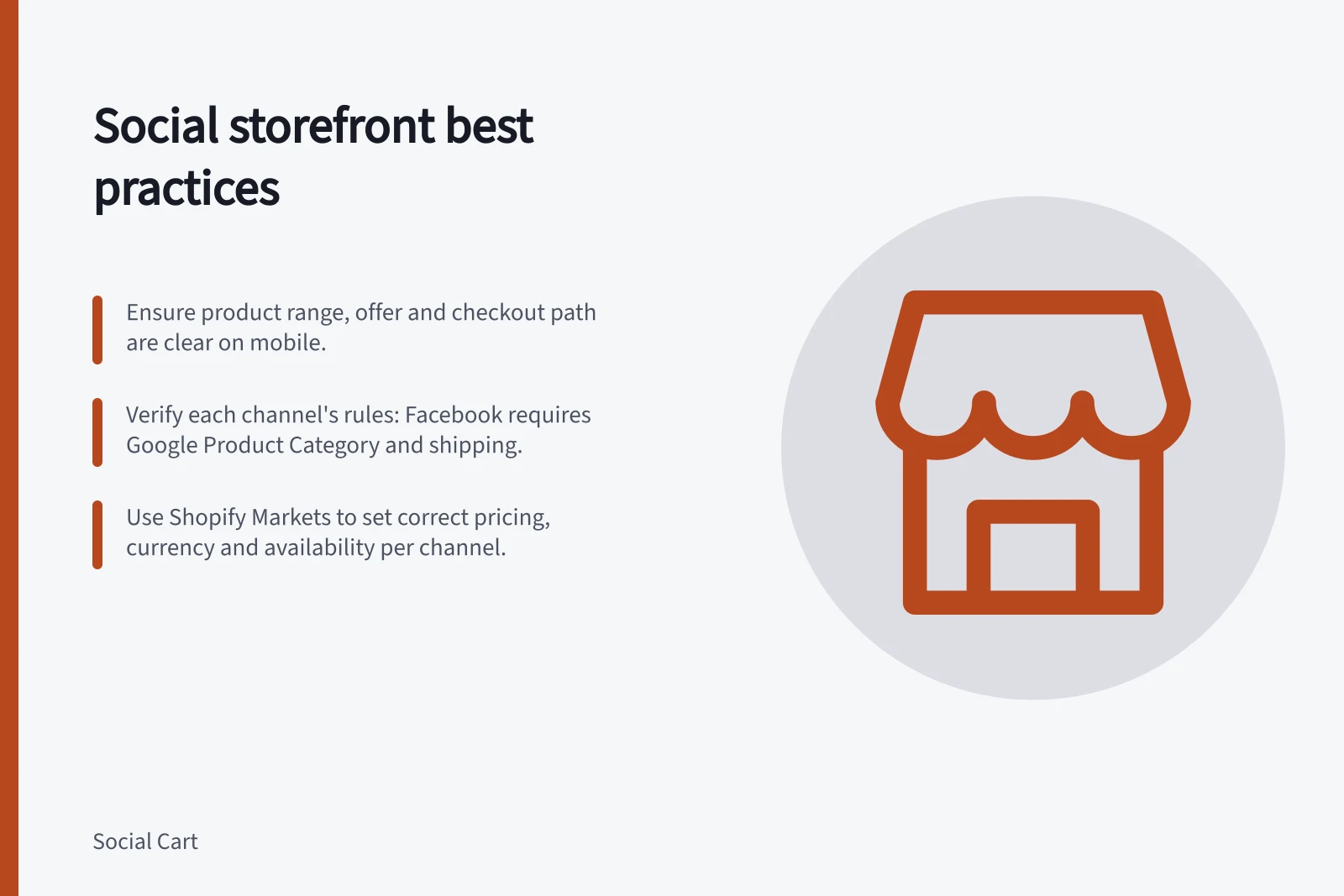
Open the storefront as a new customer would, on a phone, and check that the product range, the offer and the route to buying are clear.
Check the channel's actual behaviour
Social shopping paths differ. Shopify documents product syncing to Facebook and Instagram shops; other channels may send shoppers back to the retailer's website or complete the order on the platform. Shopify's channel-market guidance distinguishes traffic-generating from order-generating channels.
Check the route in the actual setup. A product visible in a catalogue does not prove the Australian customer can buy it at the displayed price.
For Shopify's Facebook and Instagram by Meta integration, products share one catalogue across enabled features. Shopify also says its collections do not sync to Facebook for stores outside the United States; an Australian retailer using that integration must manage Facebook collections in Commerce Manager. These are integration-specific details, not a universal rule for every social storefront.
Recognise the storefront format
Social commerce can take several forms. Shopify describes Facebook and Instagram shops that sync products and allow tags in posts and stories, TikTok Shop shoppable videos and live streams, and Roblox experiences where businesses can sell branded merchandise within an immersive game.
A product tag sits within a post or story. A shoppable video or live stream makes the product part of video content. A branded item in a social gaming experience is presented inside that environment.
Before publishing, identify which experience the customer will encounter: a shop, a tagged post or story, shoppable video or live stream, or an in-game product experience.
Social commerce platform formats in Australia
- Facebook & Instagram by Meta
- Product tags in posts/stories; synced catalogue; collections managed in Commerce Manager (Australia)
- TikTok Shop
- Shoppable videos and live streams; dedicated marketplace with local pricing and fees
- Roblox
- Branded merchandise within immersive gaming environments; non-traditional storefronts
Check product eligibility before publishing
For Facebook, Shopify lists several product requirements: the product must be available to Facebook, require shipping and have a return policy. Its title, description and image must meet Meta’s catalogue specifications, and the product must comply with Meta’s Commerce Policy and Facebook Community Standards.
Shopify also specifies that a Facebook product needs a Google Product Category assigned and cannot be free. These are requirements for Facebook product availability, not universal rules for every social channel. Check the relevant channel's own requirements before treating a product as ready to appear in its storefront.
Steps to publish a product on Facebook (Australia)
- Ensure product is available to FacebookMust require shipping and have a return policy
- Assign Google Product CategoryRequired for Facebook product visibility
- Meet Meta’s catalogue specificationsTitle, description and image must comply with Meta’s guidelines
- Confirm compliance with Meta’s Commerce PolicyNo prohibited items; adheres to Australian consumer law
- Publish via Shopify Commerce ManagerCollections not synced automatically for Australian stores
Set market rules for each channel
Shopify Markets can define product availability, pricing and currency for specific sales channels. A retailer can group channels in one market with a shared product catalogue, or use a separate market and catalogue for an individual channel. Connected channels inherit the parent country or region market's catalogue and currency by default, unless those settings are customised.
A channel-market catalogue does not automatically replace or exclude products from the parent market catalogue. Products in either catalogue must also be published to the relevant sales channel to appear there.
Check that the regions selected for a channel market are supported by that channel, and use a currency the channel prefers; Shopify says a warning appears if a customised catalogue uses a currency that is not preferred.
Shopify gives Google & YouTube and Facebook and Instagram by Meta as an example of channels that can share a market and catalogue, with the same prices as the online store and only selected products and variants. It gives TikTok Shop as an example of a channel with its own market and prices adjusted to account for selling fees.
These illustrate possible configurations, rather than rules that apply to every retailer or channel.
Choose a manageable social presence
Australian Government business guidance describes social media as a way to promote a business, connect with customers, advertise and sell products or services, and drive traffic to a website. It advises businesses to consider whether their target customers use a platform, what they want their social presence to achieve, which platforms competitors use, and the time and resources available to manage each channel.
That guidance recommends using one or two social media channels well rather than signing up to many and managing them badly. For a storefront, the experience needs ongoing attention across the channels where products are actually presented, not just an initial setup.
Run a short storefront audit
| Check | Shopper question | Owner action |
|---|---|---|
| Range | Is the selection easy to understand? | Remove duplicates and organise by need |
| Offer | Are price, variant and availability clear? | Correct the source record and verify sync |
| Path | Does the product open at the right destination? | Test the profile, tag and product route |
| Recovery | What happens when an item disappears? | Replace or remove the featured item |
A short check confirms the storefront still presents the offer and the buying route clearly.
Short storefront audit checklist
- RangeIs the selection easy to understand?
- OfferAre price, variant and availability clear?
- PathDoes the product open at the right destination?
- RecoveryWhat happens when an item disappears?
In this guide
- Organising a social shop around customer needs: a guideOrganise a social shop so a visitor can answer “Which product fits my situation?” before they have to browse every SKU. Start with a few recognisable needs rather …
- Choosing a small featured product collectionA featured collection works when it gives a shopper a useful starting point. More products are not automatically better: a short, reliable selection makes the …
- Keeping social shop information consistent with the storeA social shop can show an old price or an unavailable variant after the main store changes. Keep product facts consistent by knowing which system owns each field …