Live Shopping
Part of Live shopping
Reviewing sales and returns after a live session
Define the order population, separate platform actions from sales and review later cancellations, returns and refunds after a live session.
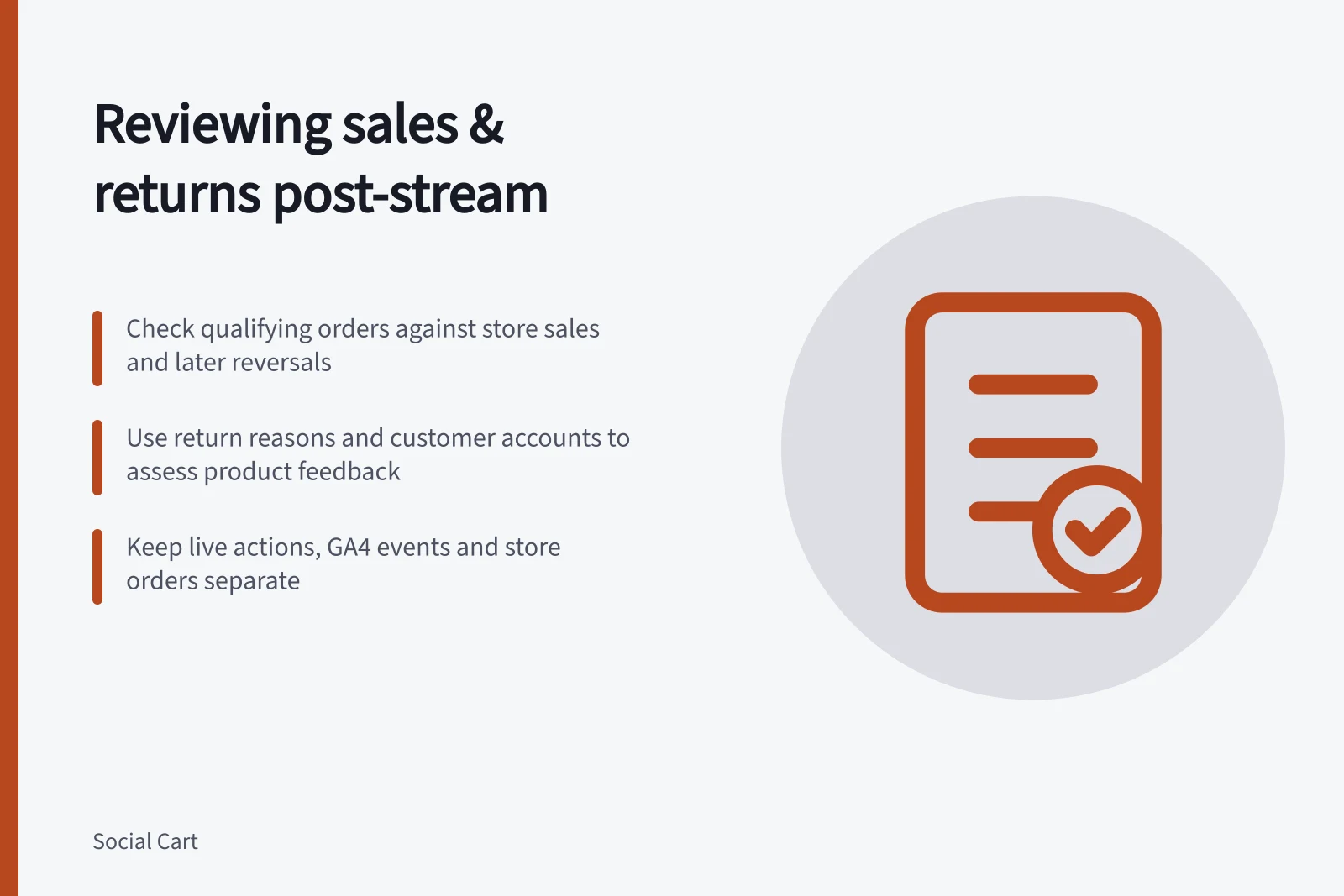
Start with the store orders that meet a stated session rule, then revisit those orders as cancellations, returns and refunds are recorded. Keep live-platform actions, measured visits and store sales separate: a product tap is not an order, and an order placed during the stream may not remain a paid sale.
Compare the qualifying order population with the store sales measure, then check later reversals against the original orders and items. Use available return reasons and customer accounts to judge product feedback without treating a return alone as proof that the stream caused a problem.
Record the session first
Record the stream's start and end, products and variants shown, offer or stock changes, and shopping actions used. Note any paid promotion or other campaign running at the same time. This gives later figures context without assigning every order in the time window to the stream.
Choose an order population before calculating results. Orders containing a featured product placed during the stream and orders tied to a measurable session entry answer different questions. State the product, date and status rule, using the store's own status labels, and keep it consistent when comparing sessions.
Separate the measures
| Measure | What to report | Main limit |
|---|---|---|
| Live engagement | The platform's defined views, questions or product actions | Does not establish a store visit or purchase |
| Website activity | Recorded visits and configured item, cart or purchase events | Tracking and attribution may be incomplete |
| Store orders | Orders meeting the chosen product, date and status rule | Payment and later reversals need separate checks |
| Returns and refunds | Affected orders, items, reasons and amounts available in store records | Processing may occur after the initial reporting window |
GA4 ecommerce data depend on the retailer's event collection setup. Event counts and item quantities are different measures. Where records permit, compare a purchase event with the store order before using analytics as a sales figure.
Keep the live platform's views and product actions separate from GA4 activity and store orders. Match a purchase event to a store order only where the records allow; a live action by itself does not establish which order followed.
Using GA4 Data for Live Shopping Sales Attribution
- ProsProvides detailed user journey insights when event tracking is properly set up; supports cross-channel analysis
- ConsEvent counts and item quantities differ; not all live actions lead to purchases; no direct link without matching IDs
Read the store report on its own terms
Shopify's Sales reports are a named place to review store sales. Check the report's definitions and measures before comparing its figures with the session's chosen order population; a sales total alone does not identify which orders met that session rule.
Use the store's order records to check payment and later reversals for qualifying orders. Decide whether the review reports orders placed, paid orders, units sold or a monetary sales measure. Do not subtract returned units from a money total or mix order-date and refund-date figures without explaining the timing.
Investigate returns as product feedback
Revisit the qualifying orders as cancellations, returns and refunds are recorded. Where records permit, connect each reversal to its original order and the item demonstrated, and keep a physical return separate from a cancellation, order edit or refund without a returned item.
Read the recorded reason and available customer account before deciding what the demonstration should explain differently. A return alone does not show that the stream caused the problem.
Questions about size, inclusions or setup can point to an explanation worth checking against the footage and listing. For rights questions, consult current ACCC information; the ACCC says it does not resolve individual disputes or give legal advice.
Make a bounded decision
State what the team knows, what remains unmeasured and what it will change. That may mean correcting a pack description, checking a shopping route or showing a setup step more clearly next time. If attribution is unavailable, say so.
Update the review when relevant cancellations, returns or refunds are recorded, and distinguish those later changes from the initial sales figures. A session report alone does not establish that live shopping caused the sales recorded.