Live Shopping
Part of Live shopping
Planning a live session around useful demonstrations
Choose buying questions, prepare demonstration cards and structure a live shopping session so viewers can understand the product shown.
Plan each live demonstration around a question the product listing cannot easily answer by itself. Name the item and version, show the decisive action clearly, then let viewers ask about what they saw. A recorded shoppable post needs a different editing review.
Select demonstrations with a visible answer
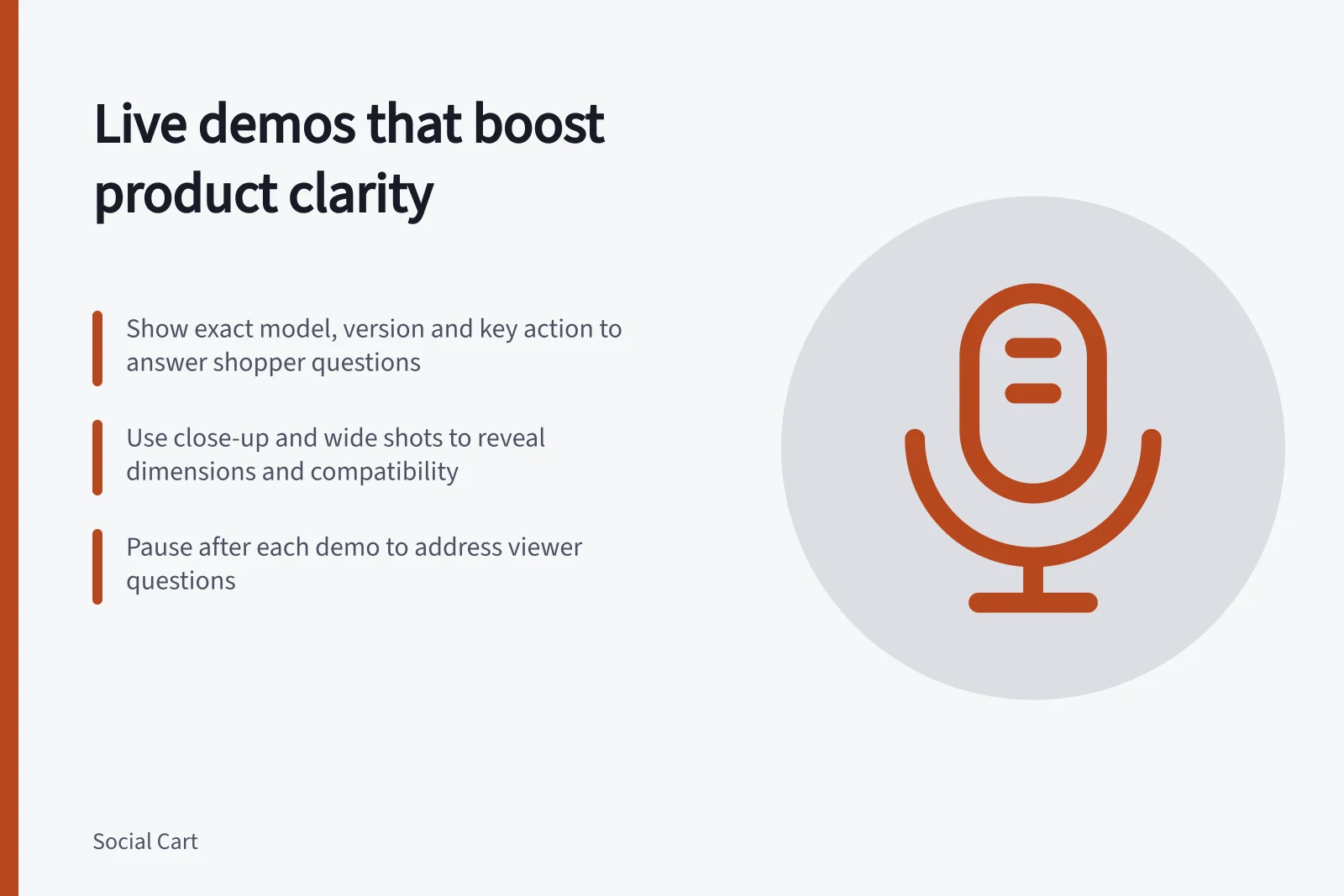
Write one question per product. How large is it beside a familiar object? What does a fitting step involve? What changes between two versions? Choose a camera view that can show the answer.
A close-up may explain a fastening; a wider view shows scale. If the answer depends mainly on dimensions or compatibility, prepare readable specifications too.
Order the items so viewers can follow the choices. Introduce each item, show its key action, explain a relevant limit and pause for related questions. Keep the product set small enough for the host to identify each version accurately. There is no fixed product count or session length that guarantees sales.
Prepare a demonstration card
For each item, give the host a short card containing:
- the exact model, variant and items included in the sale;
- the shopper question and the view that answers it;
- setup, accessories or conditions that affect what the demonstration shows;
- checked facts and questions that need another owner;
- the intended shopping action and product destination.
A rehearsal may reveal a camera angle that hides the important step or an accessory that appears to be included. State the setup when it matters. One run-through does not establish a universal performance claim.
Build in question pauses
Tell viewers when questions will be taken, then pause after the decisive step. Answer a short clarification sooner if viewers might otherwise misunderstand the product. Save broader comparisons for the end of the item. A second person can collect questions when staffing permits.
If an item cannot be shown or its shopping action fails, explain the uncertainty and stop directing viewers to that offer until it is checked. Do not substitute another version without saying so.
Match the demonstration to the offer
Before promotion, compare the demonstration card with the current listing. Confirm the shown variant can be selected, optional accessories are identified, and the price and delivery wording are current.
The ACCC can require businesses to back up claims about their products or services and may investigate or take compliance or enforcement action if a business misleads.
If you plan to tag products in live streams, check the account and customer-facing route before promising a tag.
After the session, note which demonstrations answered their planned questions and where viewers still sought clarification. Use those questions to improve the next run of show or the product information.
ACCC compliance reminders for live demonstrations
- Misleading claims risk
- Businesses must be able to back up claims
- Enforcement action possible
- ACCC may investigate or take compliance action
- Tagging products in live streams
- Verify account and customer-facing route before promising