Live Shopping
Part of Social commerce promotions
Coordinating live shopping offers with available stock
Set a live stock signal, pause rule and host update process so a featured offer stays accurate as orders arrive.
During a live shopping stream, coordinate each offer against saleable stock with one signal, a clear pause rule and a handoff to the host. The stock checker updates the producer when a threshold is reached, orders arrive quickly or fulfilment becomes uncertain; the host pauses, corrects the claim and confirms any replacement offer before promoting it.
Set the live limit
List each featured product, variant, promotional condition and fulfilment area. Start with units the retailer can sell, accounting for stock committed to orders or set aside, and confirm how the inventory system defines its stock states.
For a Shopify setup, consult Shopify’s “Understanding inventory states” guidance, then map the system’s state to the quantity actually saleable under the offer terms. Do not treat an inventory label as proof that every unit can fulfil the offer.
Set a review threshold using expected demand and the time needed for orders and inventory to update. Assign a stock checker to monitor orders and stock, and an agreed production channel for sending status changes to the producer and host; the threshold is useful only if the team can act before the information goes stale.
Give the host a usable signal
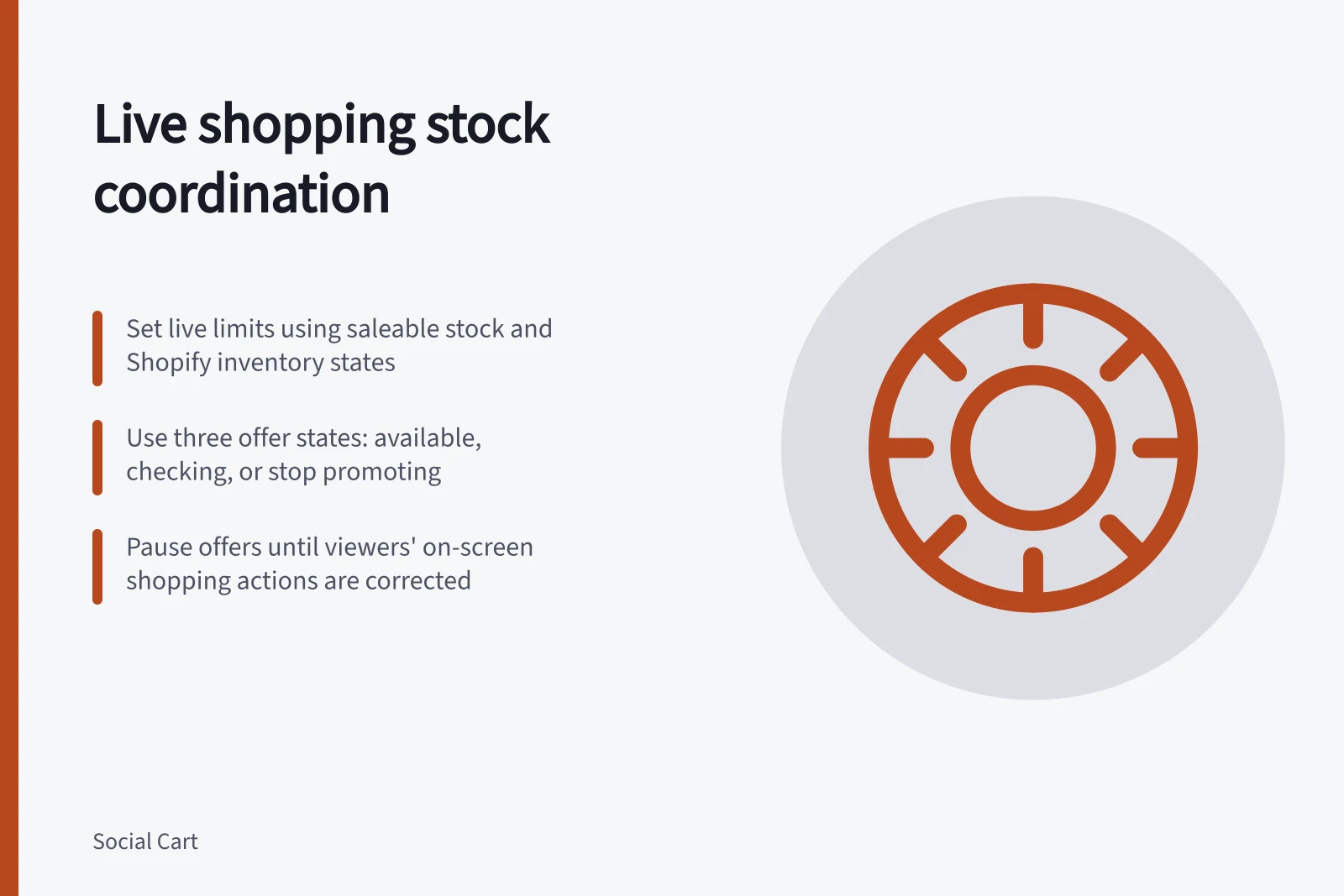
Use three internal states for each offer: available under the stated terms, checking and stop promoting. The stock checker changes the state when the threshold is reached, orders arrive quickly or fulfilment becomes uncertain, then alerts the producer and host.
When the state changes to checking, the producer pauses the call to buy that variant while the stock checker verifies availability. The host tells viewers the offer is paused while availability is checked, without making an unverified stock-count claim.
If the variant is unavailable, keep the offer paused, tell viewers and correct or remove the shopping action where the platform allows. If another size or colour remains, present it as a separate choice with its own price and conditions.
The ACCC can require businesses to back up claims about their products or services. It may investigate misleading claims and take compliance or enforcement action, so keep evidence supporting public statements about the offer and its availability.
Account for what viewers can still see
YouTube’s product-tagging guidance is titled “Tag products in your live streams”. Follow the platform’s instructions, then check the stream and buying destination from a viewer’s perspective.
Treat the host’s spoken correction and the on-screen shopping information as separate: do not assume that correcting what the host says also changes a product tag or shopping action. Keep the offer paused until the producer has checked what viewers can still see and corrected or removed the shopping action where the platform allows.
If a recording remains available, replay viewers may see an earlier claim without a later correction in context. Record when the offer was paused, what the host corrected, what shopping control changed and what the team could observe publicly.
Compliance & Risk Management Highlights
- ACCC Enforcement PowerCan investigate and take action against false or misleading claims (source: https://www.accc.gov.au/business/advertising-and-promotions/false-or-misleading-claims)
- Shopify Inventory StatesNot all listed stock is saleable; verify actual availability before promoting (source: https://help.shopify.com/en/manual/products/inventory/fundamentals/inventory-states)
- YouTube Product TaggingOn-screen tags remain visible even after host correction; must be manually updated or removed