Live Shopping
Live shopping
Plan a live shopping session around useful demonstrations, a checked buying route, viewer questions and an honest review of orders and returns.
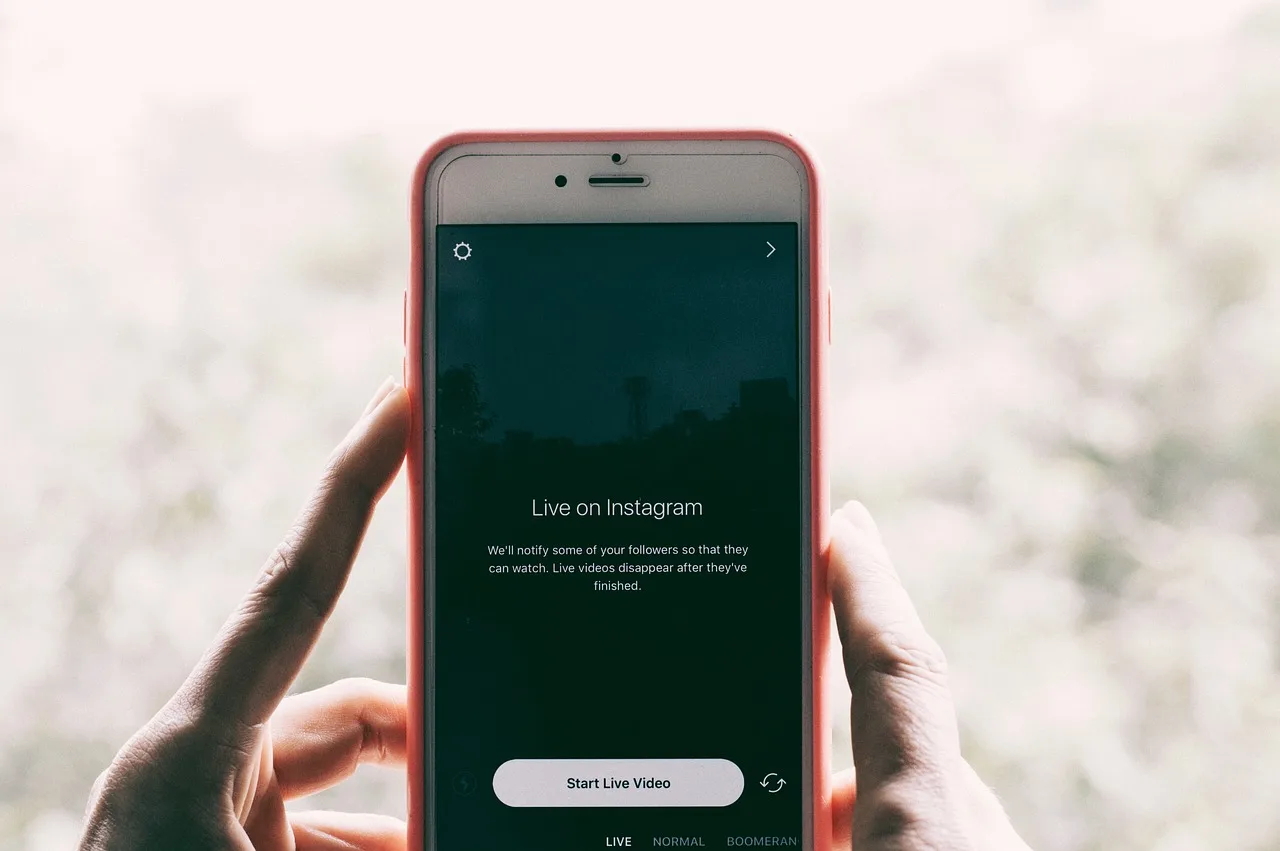
Live shopping uses live video to show products, answer questions and give viewers a route to inspect or buy the items shown. A useful retailer session starts with a buying question that video can answer. Shopping controls and the checkout route depend on the platform, account and viewer.
Choose a reason to go live
Show something a listing alone struggles to explain: an item's scale, a setup step or a difference between two versions. Choose a manageable product set.
For each item, name the question, the version being shown and what the viewer should understand afterwards. Keep specifications and buying conditions in the product information; one demonstration cannot prove how an item performs in every situation.
Set expectations for different viewers
Agora reported that its commissioned survey of over 1,000 consumers found nearly half (46%) were interested in live shopping, while 28% favoured traditional online shopping and a quarter did not see the appeal. Interest differed by age: 61% of respondents under 55 were interested, while 71% of those aged 55 and over were uninterested or preferred traditional online shopping.
Product demonstrations, exclusive deals and convenience emerged as key influencing factors across age groups in the survey. Use that finding to check the demonstration is clear and the buying route convenient, and keep any offer explanation brief and accurate.
Live shopping vs traditional online shopping: consumer preferences in Australia
Key drivers of live shopping engagement in Australia
- Product demonstrations
- Top factor
- Exclusive deals
- Top factor
- Convenience of purchase
- Top factor
Pros and cons of live shopping for Australian consumers
- ProsReal-time interaction, visual proof of product use, exclusive offers
- ConsRisk of misleading claims, limited time to consider purchases, potential for technical issues
Check the shopping route
Decide where viewers will find each item and where they will pay. Check the platform's current shopping options and requirements for your account and session before relying on them.
Before promoting the event, inspect the proposed shopping action from a customer view where possible. Does it identify the demonstrated model or a clear variant choice? Can the viewer see what is included, the current price and relevant delivery terms before ordering? A product visible in the host's controls does not prove viewers can buy it.
Pre-live shopping session checklist for Australian retailers
- Confirm product visibility on the platformYes
- Verify price and delivery terms are visible before checkoutYes
- Test the buying route from a customer’s perspectiveYes
- Ensure all product variants are clearly identifiedYes
Check the price after the handoff
Are Media announced live and dynamic pricing on its websites to show current or sale prices for products mentioned in editorial. Check the customer-facing price on the route viewers will use.
Divide the work during the stream
The host demonstrates and explains. Where staffing allows, give another person responsibility for collecting questions, checking product facts and escalating order problems. Agree which questions warrant an immediate correction and which can wait until the end of an item.
Tell viewers when questions will be taken. Answer promptly if continuing would leave a materially wrong impression. Move individual order and payment enquiries to the retailer's established support route, without requesting private details in public chat.
Steps to run a compliant and effective live shopping session
- Host demonstrates and explains productPrimary role
- Assign team member to manage questionsRecommended
- Check product facts and escalate issuesCritical for accuracy
- Direct order enquiries to support channelsRequired by ATO guidelines on data privacy
Keep the offer accurate
Confirm the version, saleable stock and offer immediately before the event. Identify who can pause promotion if availability or price becomes uncertain. Explain when an accessory used in a demonstration is sold separately.
The ACCC accepts reports about possible misleading or false claims and can require businesses to back up claims about their products or services. If an answer cannot be verified, say it needs checking. Put a material condition with the claim it qualifies.
Review the session
Record the featured products, offer changes and questions raised. Keep platform views and product actions separate from measured store visits and orders. Website ecommerce events depend on the retailer's analytics setup; check payment, cancellations and later refunds in store records before describing commercial results.
Review the footage for claims that need correction and questions the next session should answer more clearly. Orders placed during a session alone do not prove the session caused them.
The ACCC does not resolve individual disputes about misleading claims or provide legal advice. A report to the ACCC is not a substitute for handling an individual customer's order or payment issue through the retailer's support route.
In this guide
- Planning a live session around useful demonstrationsChoose buying questions, prepare demonstration cards and structure a live shopping session so viewers can understand the product shown.
- Preparing stock and support before a live shopping eventConfirm saleable variants, check the viewer's buying route and brief support staff before a live shopping event.
- Handling viewer questions without interrupting every demonstrationUse a moderator queue, planned question pauses and an urgent-correction rule to answer live shopping viewers accurately.
- Reviewing sales and returns after a live sessionDefine the order population, separate platform actions from sales and review later cancellations, returns and refunds after a live session.