Platform Selection
Part of Social commerce promotions
Choosing a social-only offer without confusing store pricing
Define what is exclusive about a social offer, check whether checkout enforces it and explain the ordinary and promotional prices.
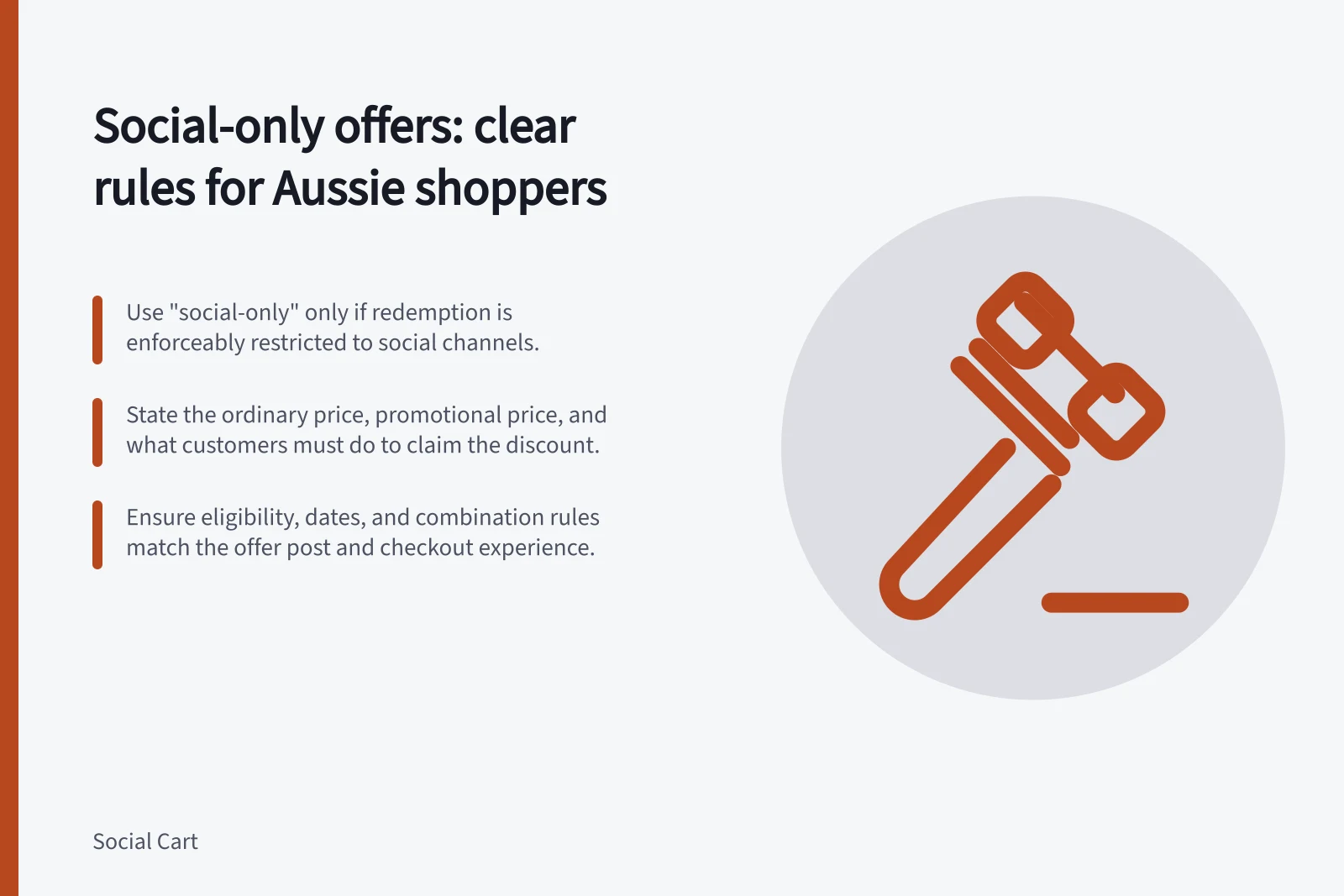
Decide whether social is only where customers hear about an offer or whether redemption is limited to a defined group or route. A post or code alone does not prove redemption is limited to social; call it exclusive only when the retailer can enforce that limit.
The Australian Consumer Law prohibits false or misleading representations and pricing conduct. The ACCC educates consumers and businesses; if it considers a business has broken price-display law, it can investigate and may take compliance or enforcement action.
Specify the exclusive part
Choose an announcement-only offer when it is shared on social but redemption is not restricted to that channel. Describe it that way and state who qualifies. Use “social-only” for redemption only when the restriction is enforceable.
If anyone with the code can redeem, write: “Announced on [social channel]: [product/variant] is [promotional price] for [eligible customers] until [date]. Enter [code] at checkout; the current store price is [ordinary price].” This states where the offer was announced without claiming redemption is exclusive.
If redemption is genuinely restricted, write: “For [eligible customers] only: redeem through [restricted route] by [date] for [promotional price].” Use this only if the stated route and eligibility are enforced at redemption; otherwise describe where the offer was announced and who can use it.
Eligibility rules limit who qualifies; they do not show which post brought someone to checkout. State whether the restriction concerns the eligible customer, the redemption route or both.
| Promise | What to establish |
|---|---|
| Announced on a social account | The post gives an accurate route to an offer shoppers can redeem. |
| For eligible customers | The checkout applies the defined eligibility rule. |
| Only through a stated route | A verified control restricts redemption to that route. |
Explain the ordinary and promotional prices
Name the exact product or variant, its current store price and its promotional price. State the saving only if it follows from that comparison. If the product page shows the ordinary price until a code is applied, say prominently what shoppers must do to receive the promotional price and who qualifies.
Make any earlier-price comparison accurate. A “was/now” claim may mislead if the earlier price was briefly increased before the sale; calling an item's normal price a special can also mislead. State conditions attached to the promotional price alongside the comparison.
Make clear what the displayed price includes and whether additional charges apply. Describe optional delivery charges and available choices accurately.
Key pricing compliance requirements under Australian Consumer Law
- ACCAC guidance on price displays
- https://www.accc.gov.au/business/pricing/price-displays
- Shopify discount management
- https://help.shopify.com/en/manual/discounts/managing-discounts
- Sales channel discounts
- https://help.shopify.com/en/manual/discounts/sales-channel-discounts
Check the resulting offer
Check the qualifying product or variant, eligible customers, dates and minimum spend, then check how the offer interacts with other discounts. Eligibility and combination rules affect whether discounts stack, so a non-combinable offer may produce less than the post appears to promise.
Run the intended customer path through order review, including the intended delivery area. Pass only if the item, ordinary price, applied benefit and explanation when the offer does not apply match the post; revise the wording or offer if they differ.
Ask whether shoppers can identify the store's current ordinary price, their promotional price, who qualifies and what they must do to receive it. If not, adjust the wording before the offer is promoted.