Shoppable Catalogues
Part of Social commerce promotions
Explaining promotion conditions in limited space
Put material conditions beside the promotional claim they change and narrow claims that cannot be explained clearly in a short post.
The ACCC accepts reports about possible misleading or false claims and can require businesses to back up claims; it may investigate and take compliance or enforcement action. Put any condition that changes the headline benefit in the visible post, because a link to full terms cannot correct a misleading first impression.
ACCC Compliance Requirements for Promotions in Australia
- Reporting body
- Australian Competition and Consumer Commission (ACCC)
- Enforcement power
- Can require businesses to substantiate claims
- Investigation threshold
- False or misleading claims about pricing or benefits
- Required transparency
- Conditions must be visible, not buried in links
Pick the conditions that matter first
Start with the actual offer: qualifying products and variants, customer eligibility, the step to claim the benefit, minimum spend, combination rules, offer period and any stock or delivery limit. Include the conditions that apply to the offer being advertised.
Prioritise conditions that would change a shopper’s understanding of the headline. Give those details priority in the post.
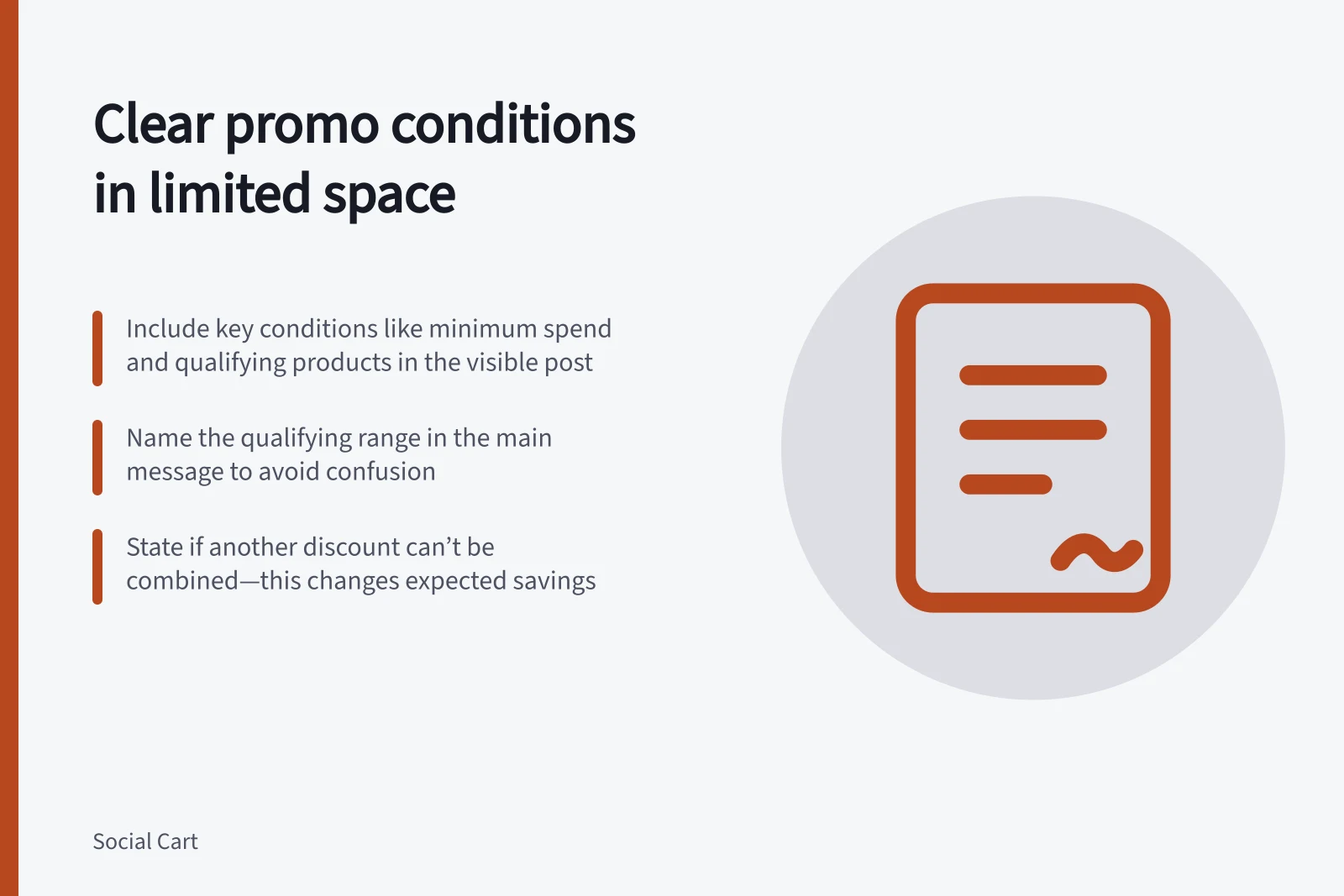
Put important conditions where shoppers can readily see them. Name the qualifying range in the main message.
Key Conditions to Include in Shoppable Posts (Australia)
- Qualifying products or variantse.g., ‘Selected skincare range only’
- How to claim the benefite.g., ‘Enter code at checkout’
- Combination rulese.g., ‘Cannot be combined with other discounts’
- Stock or delivery limitse.g., ‘Limited stock available; delivery may be delayed’
Use the available surfaces
| Surface | Job |
|---|---|
| First visible frame or line | Identify the offer and a condition that changes its main claim. |
| Caption or spoken explanation | Explain how to receive the benefit and other key limits. |
| Product or offer page | Give the full qualifying terms and current product information before purchase. |
| Cart and order review | Show whether the benefit applied and the resulting total. |
Available surfaces differ by platform and format. Check the finished mobile view for cropping, overlays and truncated captions.
Shorten the promise
A compact pattern is: “Selected [range] only; spend at least [minimum] and enter code [code] at checkout.” Replace bracketed fields with the offer’s actual terms, and remove any clause that does not apply.
If only selected variants qualify, name them so shoppers can identify them. If another discount cannot be combined, say so where that changes the expected saving.
“Conditions apply” on its own does not tell a shopper which condition matters. Name the particular limit instead.
If the promotion mentions an earlier price, make the comparison clear. Keep the qualifying range and any condition that changes the saving visible beside it.
Steps to Ensure Your Promotion Claim is Clear and Compliant
- Identify the core offerWhat product(s) are included? What’s the saving?
- List key conditions that change the offerMinimum spend, qualifying range, code entry, exclusions
- Place conditions where they’re seen firstIn the first frame, caption, or main message
- Avoid vague phrases like 'conditions apply'Name the actual limit instead
- Test on mobile viewCheck for truncation, cropping, or hidden text
Check the first impression
Read the post once on a phone before opening the full terms. State which products appear to qualify, what the shopper receives and what they must do.
Compare that impression with the offer record and buying page. If the first message promises more than the retailer can provide, revise it.
Check a qualifying and a relevant non-qualifying selection through order review to see whether the offer behaves as described. Revise the post if it does not.