Creator Content
Part of Creator content in social shopping
Keeping creator permissions clear before adding shopping links
Document creator content rights, permitted edits and disclosure before linking a post to a product or using it in a paid placement.
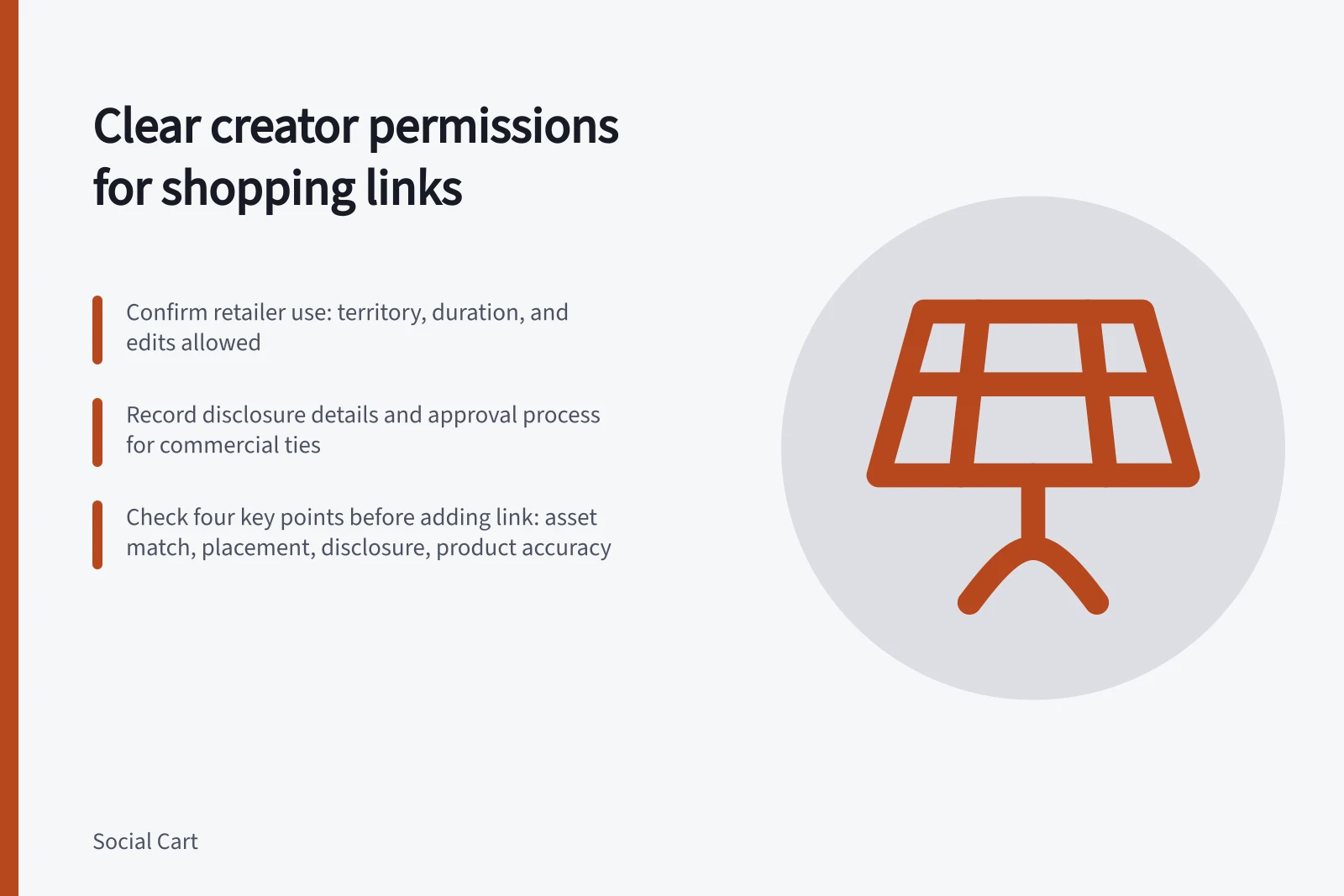
Before attaching a shopping link to creator content, confirm what the retailer may use, where and for how long. A clear written record also helps the retailer avoid leaving an old post live after the agreed use ends.
Describe each intended use
List the exact asset and each placement: the creator's own post, a share on the retailer's account, a product page, an email or a paid placement. Record whether the retailer may crop, subtitle, translate or combine the asset with other material. State the territory, duration, attribution and who approves changes. If a new use arises later, obtain permission for that use before making it.
Check who can grant the rights. The person on camera may not control the music, photographs, footage or graphics included in the final piece.
A retailer should have its proposed agreement reviewed when ownership or permitted edits are unclear.
Managing Creator Content Rights for Shopping Links
- Identify exact asset and placementCreator’s post, retailer share, product page, email, paid placement
- Define permitted editsCrop, subtitle, translate, combine with other material
- Obtain new permission for unauthorised usesDo not proceed without written agreement
Keep disclosure and editorial integrity in the same record
Record whether the creator receives money, a product, a loan or another incentive, and decide how the commercial relationship will be disclosed in every final format. A link or product tag does not explain that relationship on its own. The ACCC says Australian Consumer Law applies to incentivised social posts and that businesses must avoid misleading product claims.
Agree how factual corrections will work without rewriting the creator's experience. Correcting an inaccurate product specification is different from cutting out a genuine reservation so the review sounds more positive. The ACCC has publicly raised concerns about both undisclosed gifted reviews and substantive edits to an influencer review. Keep the original asset and the approved final version so the team can see what changed.
Key Compliance Points from ACCC Guidance
- ACCC applies ACL to incentivised posts
- Yes – commercial relationships must be disclosed
- Disclosures required for gifted reviews
- Yes – even if no payment
- Substantive edits prohibited without consent
- Yes – cannot remove genuine reservations
- Original asset must be retained
- Yes – for audit and transparency
Use a simple release check
Before adding the link, confirm four things: the approved asset matches the asset being posted; the intended placement and edits are covered; the disclosure is visible; and the linked product is the one shown.
Note an expiry or review date and assign someone to remove or renew uses when it arrives. If any permission is uncertain, hold that placement while it is clarified. The shopping link can be added after the content and the route are authorised together.